
How to Find the Best AI Workflows for Microsoft 365 Copilot and Agents
Learn how to identify high-value AI workflows for Microsoft 365 Copilot and agents. This guide helps organizations move from pilots to production by redesigning business processes for real ROI.
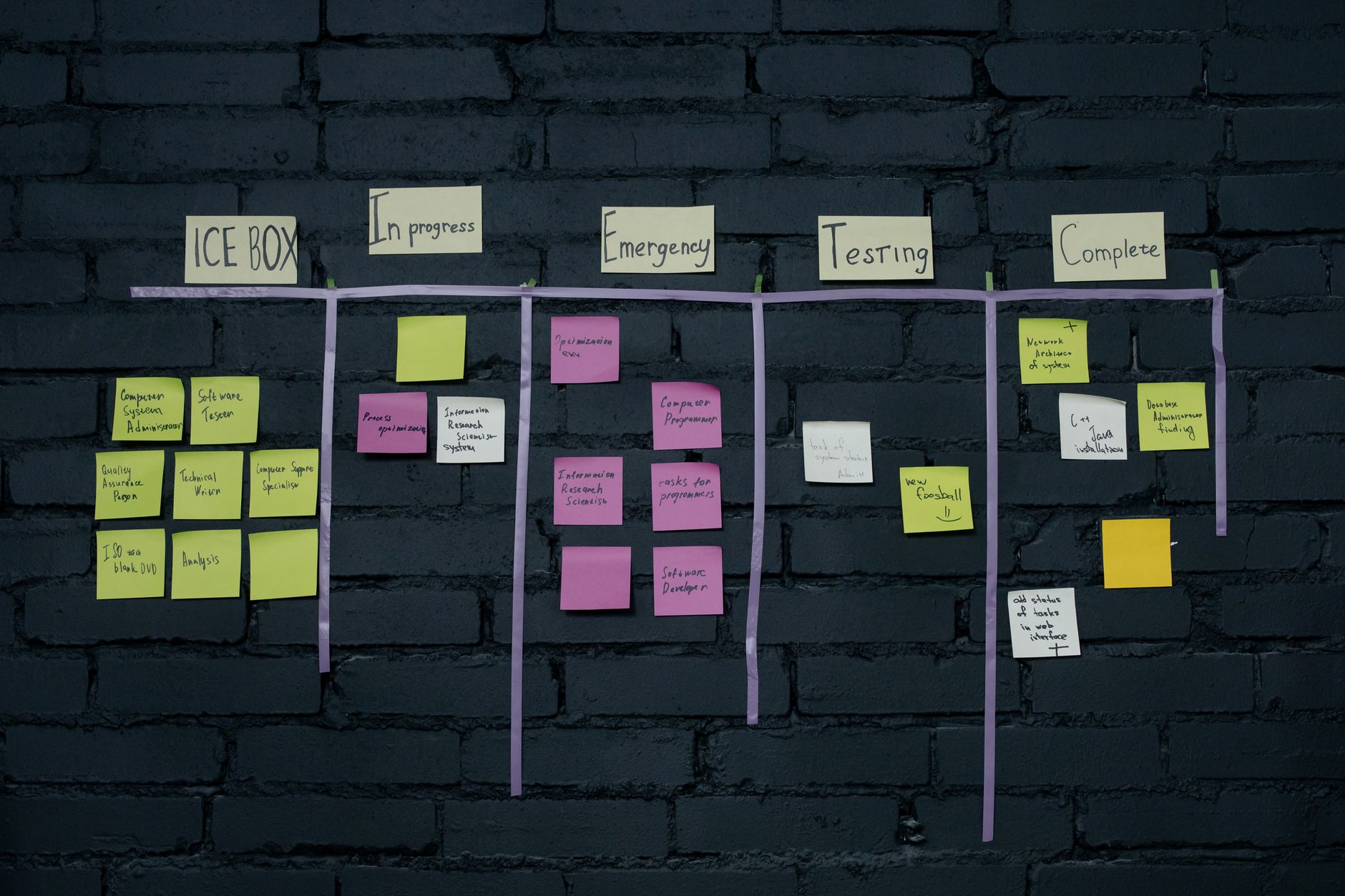
As of mid-2026, the enterprise AI landscape has shifted from experimentation to operational impact. While 78% of organizations have launched AI pilots, only 14% have successfully scaled them into production-grade workflows, according to the AI Learning Guides Pilot to Production Playbook. The primary barrier is no longer model capability, but the failure to integrate AI into real-world systems, permissions, and human handoff points.
Organizations often fall into the trap of deploying licenses without redesigning how work actually gets done. True AI automation requires moving beyond basic chat interfaces to identify where manual effort, bottlenecks, and data silos slow down business operations.
This guide provides a practical framework for identifying high-value workflows to redesign with Microsoft 365 Copilot, Power Platform, and AI agents, ensuring your investments translate into measurable business outcomes.
What is AI Workflow Redesign?
AI workflow redesign is the process of mapping existing business operations and re-engineering them to incorporate artificial intelligence at points of high friction. Rather than simply adding an AI assistant to a broken process, redesign focuses on changing the sequence of work, automating handoffs, and using AI to handle exceptions, validate data, and coordinate across systems.
When implementing AI in business processes, organizations must distinguish between individual productivity tools and enterprise-grade automation.
AI Assistant vs. AI Agents: Understanding the Difference
To find the best workflows, leaders must understand the distinct roles of the tools in the Microsoft ecosystem.
AI Assistant: Helps a person do work faster. It improves individual productivity inside specific tasks, such as drafting emails, summarizing meetings, analyzing spreadsheets, and retrieving information.
AI Agents: Help the work move differently. Agents are autonomous digital workers that execute, coordinate, validate, route, and handle exceptions across multiple workflows and enterprise systems.
While Microsoft 365 Copilot serves as an AI assistant for individual productivity, Microsoft's broader AI platform—including Copilot Studio, Power Platform, Fabric, and Azure AI—enables organizations to redesign and automate end-to-end business processes through AI agents.
Copilot alone does not transform broken operating models or cross-functional processes. Transformation happens when workflows are redesigned using agents to manage the heavy lifting, while Copilot assists the human in the loop.
How to Evaluate Workflows for AI Automation
According to the Agentic Success Pattern Framework (ASPF), only 27% of enterprise process steps are genuinely suitable for full autonomy. To avoid stalled deployments, evaluate potential workflows using the following steps.
Step 1: Apply the Agentic Suitability Filter
Not all tasks require an AI agent. Filter your candidates based on complexity and structure:
High Suitability (Use agents): Tasks requiring multi-step reasoning over unstructured data. Example: Reviewing 50 vendor contracts and flagging those with non-standard indemnity clauses.
Low Suitability (Use traditional process automation (RPA)): Highly structured, predictable tasks with strict rules. These are better handled by traditional code or Power Automate flows, as noted in the Microsoft Cloud Adoption Framework.
Static Knowledge (Use RAG): If the task is simple knowledge retrieval, such as an internal HR FAQ, standard Retrieval-Augmented Generation is sufficient.
Step 2: Identify Bottlenecks and Handoffs
A workflow is only as strong as its weakest handoff. When mapping AI and automation opportunities, pinpoint where the AI will face ambiguity.
In these edge cases, the workflow must trigger a human-in-the-loop request. Microsoft's 2026 introduction of the Human Approval Feed in Power Apps helps manage these transitions smoothly. Furthermore, the June 2026 Power Platform update allows agents to learn from human corrections in real-time, persisting these as structured memory for future runs.
Step 3: Map the Workflow to the Microsoft Stack
Once you define the core unit of work, align it with the right tool in the Microsoft "Agent Factory" ecosystem:
M365 Copilot Agent Builder: Best for personal productivity, inbox triage, and targeted research.
Microsoft Copilot Studio: Ideal for departmental processes like HR onboarding or IT ticketing using low-code interfaces.
Power Apps MCP Server: Required for connecting agents to 1,100+ enterprise connectors (SAP, Salesforce, ServiceNow) for complex, cross-system execution.
Real-World Example: Retail Delivery Scheduling
To understand how ai for business automation changes operations, consider the retail delivery scheduling workflow.
The Old Way (Current State):
The process is bottlenecked by manual effort. A supplier emails a delivery request. A logistics coordinator assesses the email request and then performs a manual PO lookup, checks dock availability across multiple spreadsheets, coordinates labor schedules, and engages in back-and-forth email negotiation to finalize a time.
The New Way (Future State with AI Agents): The workflow is redesigned. An AI agent receives the inbound request, validates the business rules, checks dock and labor constraints in the ERP, proposes an optimized schedule to the supplier, and handles routine exceptions. The agent only escalates complex edge cases to the human coordinator.
This is where real value is created: cycle times drop, throughput improves, and human effort is redirected to high-value problem-solving.
Measuring ROI in AI Business Processes
Never reduce ROI to usage metrics such as logins, prompt counts, or licenses assigned. As Microsoft Copilot Studio Guidance notes, organizations that use AI to change what they measure realize stronger financial results over time.
Position ROI around measurable operational outcomes:
Cycle-time reduction
Effort reduction
Throughput improvement
SLA improvement
Exception resolution speed
Despite high targets, nearly 40% of companies that measured AI cost savings achieved less than 10%, often due to a lack of process redesign, according to Bain & Company. Process transformation ROI must be measured differently than simple employee productivity ROI.
The Role of Governance in AI Scale
There is no win unless governance, security, and business outcomes are paired together. Copilot does not create oversharing risk; it exposes the oversharing that already exists within your tenant.
Governance is not an IT checkbox—it is the foundation for safe enterprise AI scale. When redesigning workflows, implement "just-in-time governance" tied directly to where AI will be rolled out first. Practical Microsoft governance tools include:
SharePoint Advanced Management (SAM): To identify and manage content lifecycle and access.
Purview Sensitivity Labels: To classify and protect data at the file level.
Restricted Access Control (RAC): To ensure agents operate under least privilege, only accessing the specific Dataverse tables required for the task.
The Taiga AI Approach: From Readiness to Measurable Outcomes
Taiga AI helps organizations turn Microsoft 365 Copilot and AI Agent investments into measurable business outcomes. We do not simply deploy technology; we build organizational AI capability through a combination of secure Copilot enablement, agent-led workflow redesign, and workforce enablement.
While 60% of AI pilots fail due to unclear success criteria, the Taiga AI Jumpstart framework provides a rapid path to measurable value in 4 to 6 weeks. By connecting secure readiness, workflow redesign, and leadership activation, we ensure that AI adoption translates into actual operational improvement.
Ready to move beyond pilots and transform your workflows? Start with a Free 30-day AI Readiness Assessment from Taiga AI to identify your highest-value use cases, secure your data, and build a roadmap for measurable ROI.